
T4 · Teacher guide
Author with the AI co-pilot
Describe what you want to teach and let the co-pilot draft it.
What the co-pilot does
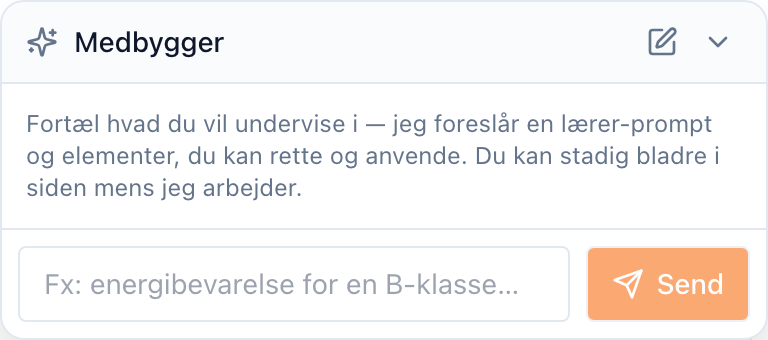
The co-pilot (labelled Medbygger) reads a plain-language description of your lesson and drafts:
- a teaching goal (the Socratic prompt the tutor follows),
- workspace elements — a checklist, a note, a table, a calculator, and so on, and
- suggested curriculum materials to attach (guide T3).
Each suggestion arrives as a proposal you can apply, edit, or dismiss. You stay in control: the co-pilot never changes the activity on its own.
Step 1 — Open the builder
Create or open an activity (guide T2). Click Ask AIPLA in the header and choose Medbygger — the co-pilot panel opens at the bottom-right of the builder, ready for a description. (The same button offers AIPLA Hjælp on every page; on pages with a co-pilot of their own it offers both.)
Step 2 — Describe what you want to teach
Type a short description — for example, "energy conservation for a 2.g class, with a checklist and a worked example" — and select Send. The co-pilot thinks for a moment, then returns one or more proposals.
Step 3 — Review each proposal
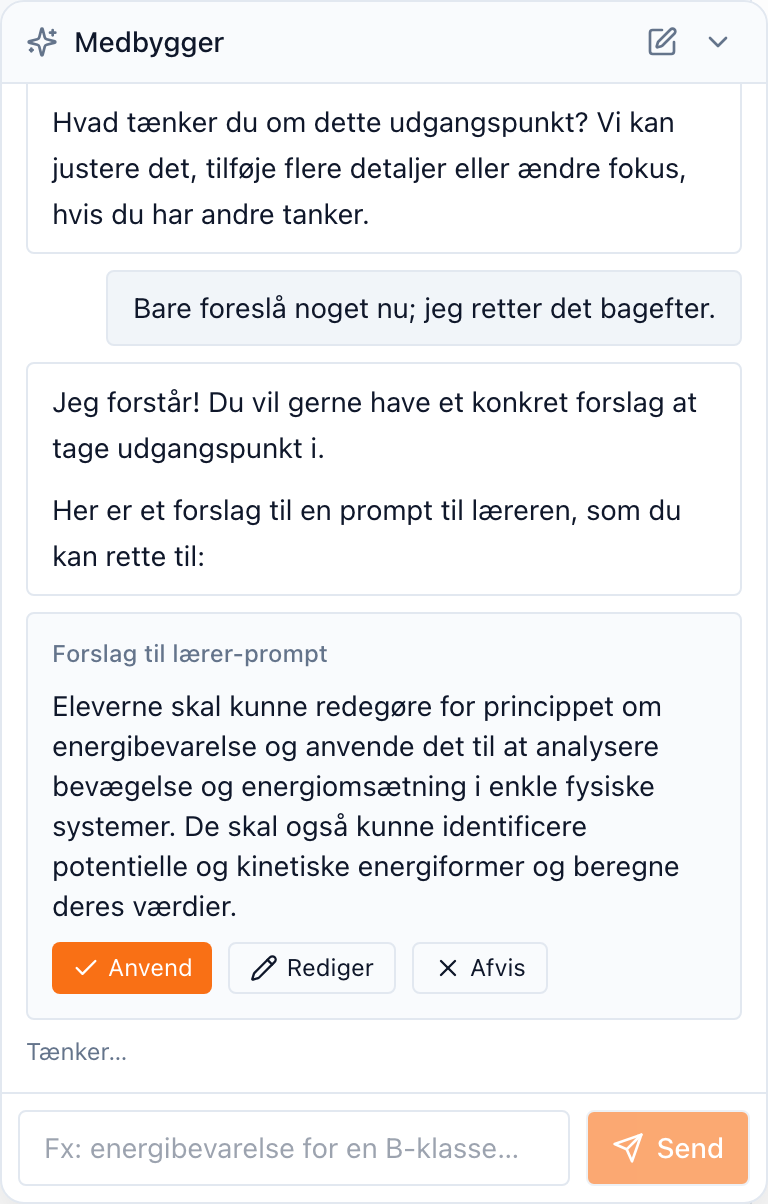
Each proposal is a card: a suggested teaching goal, a checklist, a note, a table, and so on. For each one you can:
- Anvend (Apply) — accept the suggestion into your draft,
- Rediger (Edit) — adjust it first, then apply, or
- Afvis (Dismiss) — reject it.
Step 4 — Apply and refine
When you apply a proposal, it drops into the matching field of the builder — and stays fully editable. Applied suggestions are marked so you can see what the co-pilot contributed. Keep refining by hand, or ask for more.
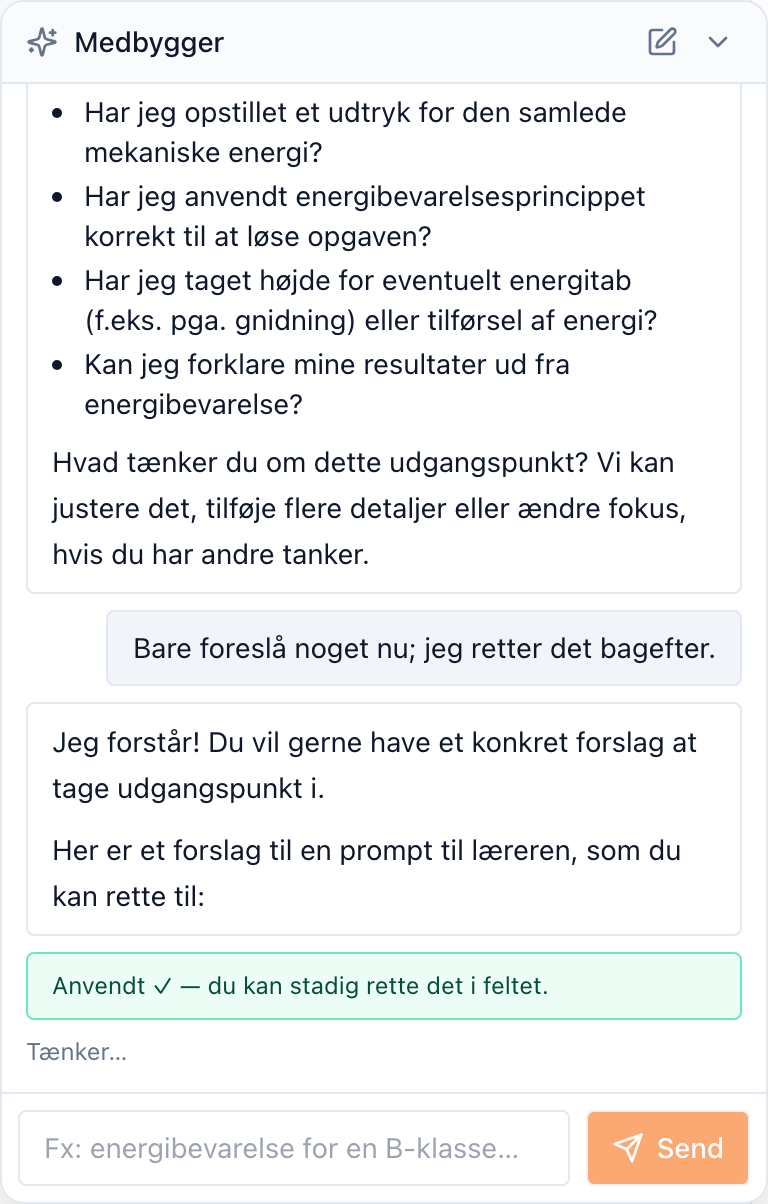
When the activity looks right, save it as usual (guide T2). Nothing the co-pilot proposed is live until you save the activity.
Next steps
- Attach source documents the tutor can cite — T3 — Add and organise curriculum materials.
- Share the activity with students — T1 — Set up a class and share it.
Last reviewed: · AIPLA project team