
S1 · Student guide
Join and use your tutor
Join with a group code and work with the tutor and its workspace.
Step 1 — Open the link and type your code
Open the student link your teacher gave you. You will see a join page. Type
your group code — it looks like bright-fox-42 — and select Join
(Tilslut).
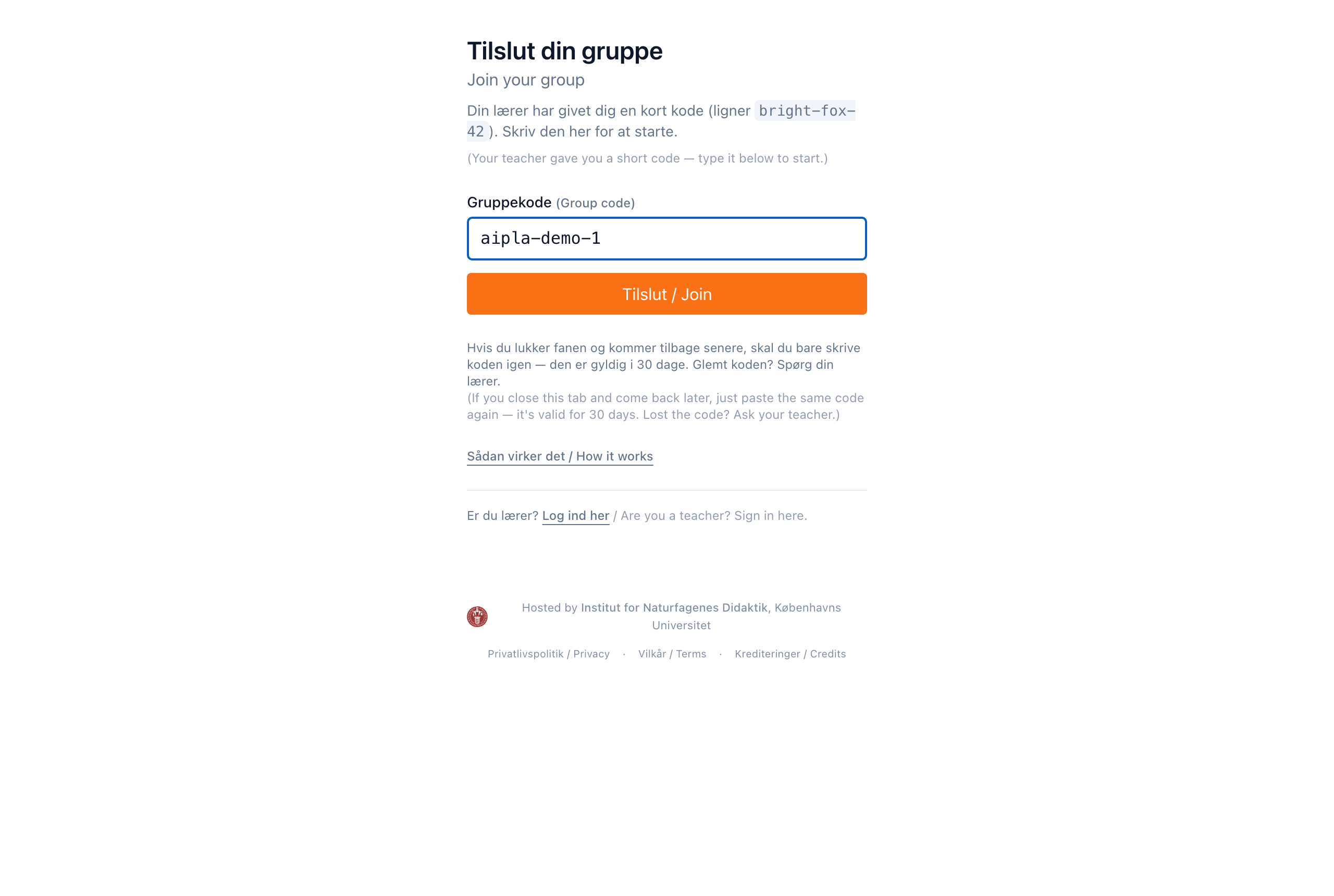
Your code keeps your group's work together. There is nothing to remember and nothing to install.
Step 2 — Choose your activity
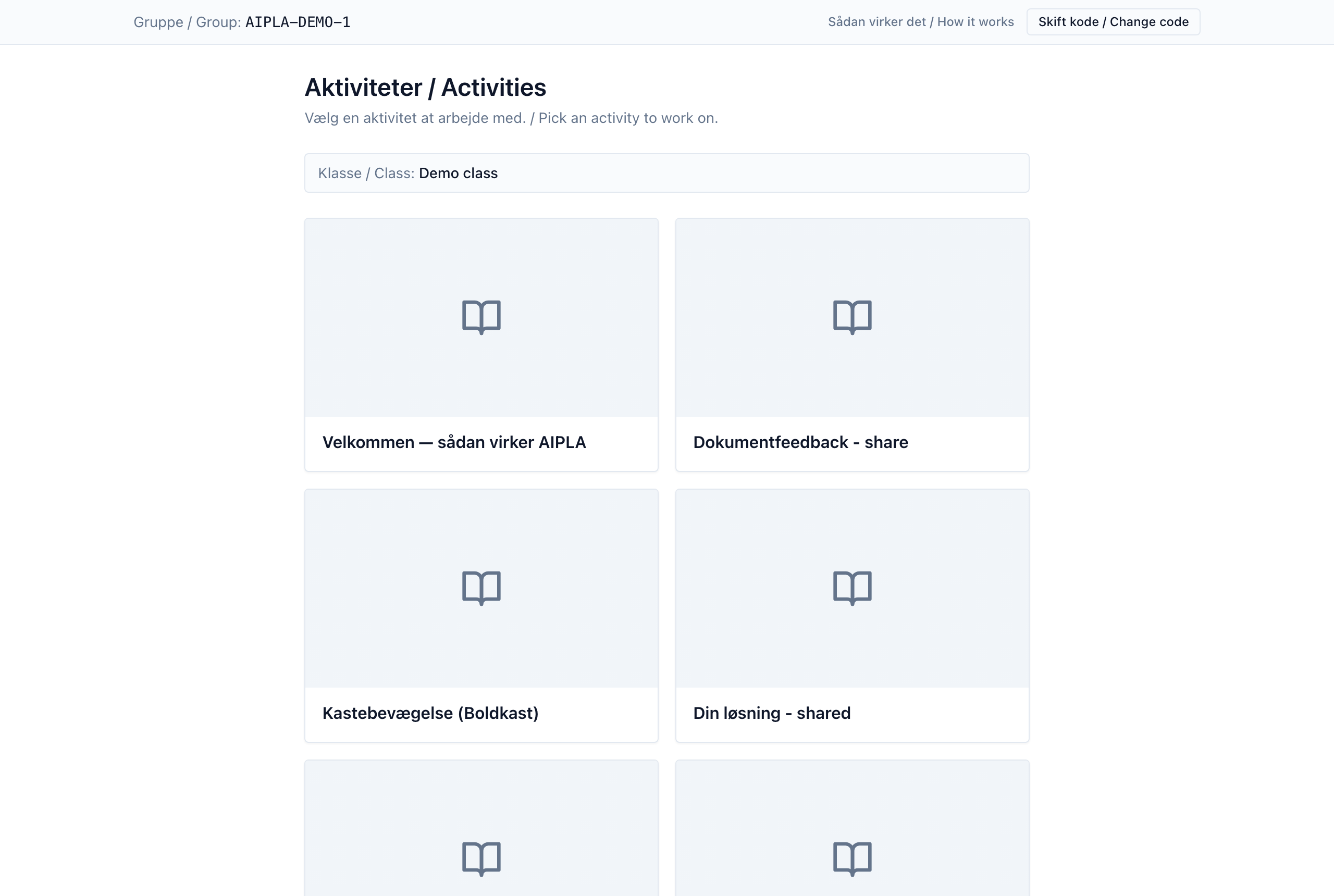
After you join, you see the activities your teacher has set up. Select the one you are working on.
Step 3 — Work with the tutor
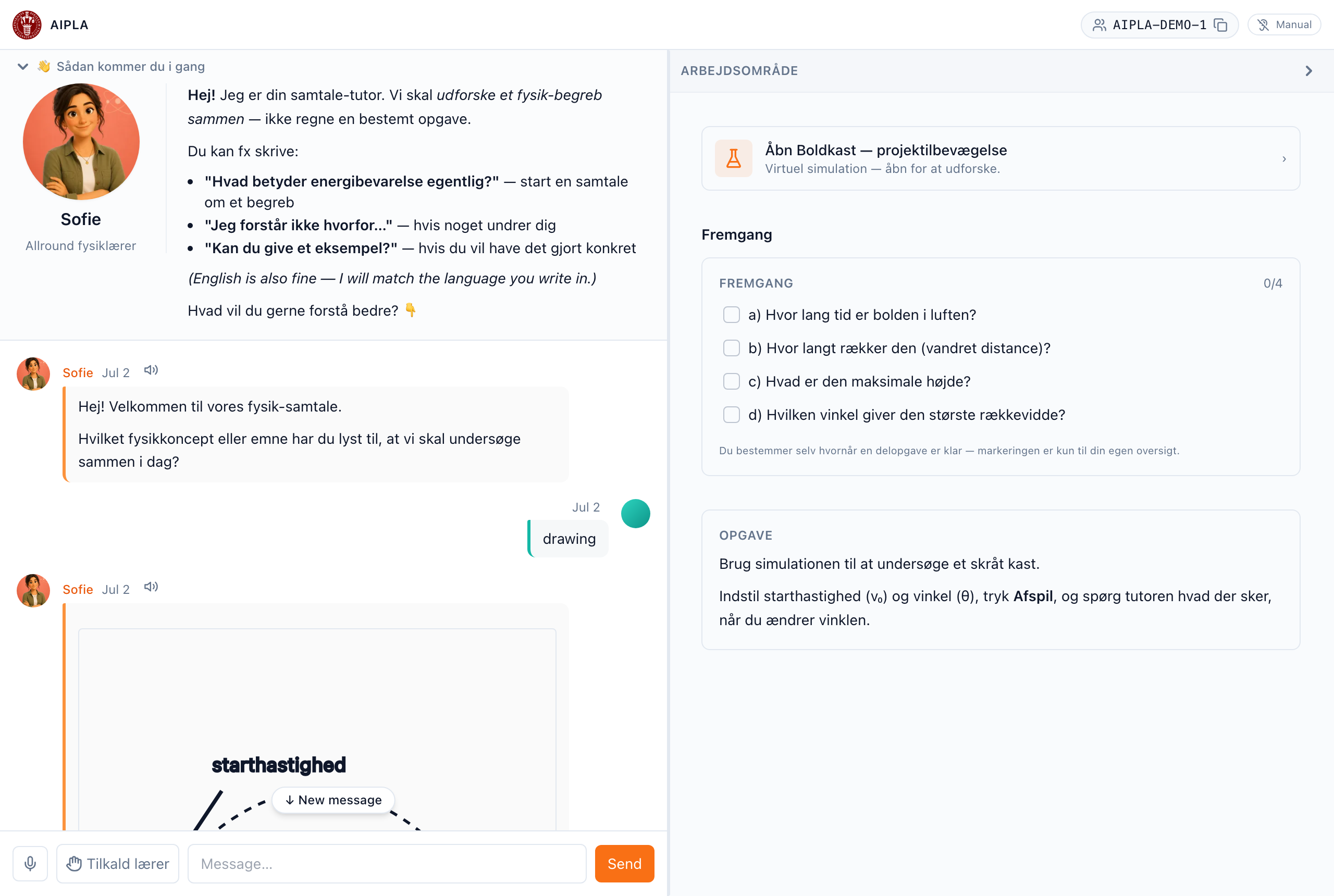
The activity opens with two sides: the tutor you chat with, and your workspace — a simulation, a checklist, a table, or notes, depending on the activity. Ask the tutor questions in your own words; it guides you toward understanding rather than just giving answers.
If your code stops working
Group codes can expire, or your teacher may give you a new one. If joining fails, ask your teacher for the current code. Closing the tab signs you out of the group — just open the link and type your code again.
Last reviewed: · AIPLA project team